

Some people spend most of their digital lives on social media and save almost nothing with the intention of preserving it for the future. They might share photos and videos on Instagram or send them via a messaging app, but it’s all ephemeral. If they ever want to keep something, they might order prints or a photo book.
Most people, however, have a great deal in their digital collections – both on their computers and on their smartphones – that they hope will remain, if not forever, then at least indefinitely. Family photos, holiday videos, scanned documents, old newspapers, and letters are among the files that I want to remain even after I’ve kicked the bucket.
But unlike books and physical photo albums, it’s by no means a given that digital files will still be there or accessible in 25, 50, or 100 years’ time, just as you can’t leave a photo album out on the balcony and expect it to be intact many years later. The moral of the story is this: You need to look after your digital assets. But how to do that in a way that’s sustainable in the long term isn’t always obvious.
How do the experts who work on preserving all kinds of information for the future go about it, and do they have any advice for us mere mortals?
Privat
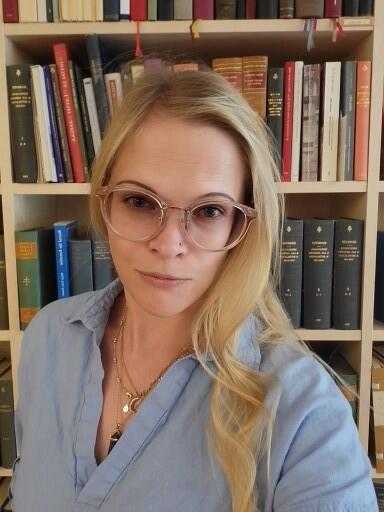
Ina-Maria Jansson is a researcher and archivist at Uppsala University Library and works on the preservation of personal digital archives. She says there is one important thing to bear in mind for anyone who wants to ensure that their loved ones will be able to enjoy their digital collections, apart from the choice of storage media, file formats, and how backups should be handled:
Document everything! What seems obvious to you may be a jungle for your next of kin. Write down exactly what’s in your digital archive and create an index to describe the contents of your folders and files. Label hard drives and other storage media with their contents. Let those who will be your next of kin know that the documentation and files exist, and make it easy for them to find the documentation.
She notes that a common mistake many private individuals make is failing to consider that their next of kin may not share the same keen interest in those files.
Digital material requires active stewardship that is difficult to avoid, regardless of the measures taken. Will children and grandchildren have the time and energy to take on digital stewardship when they are busy living their own lives? To make things easier, it’s important to explain the content as clearly as possible – what it is and why it’s important. If possible, it’s best to go through the content with your children and grandchildren well in advance, so that they know it exists.
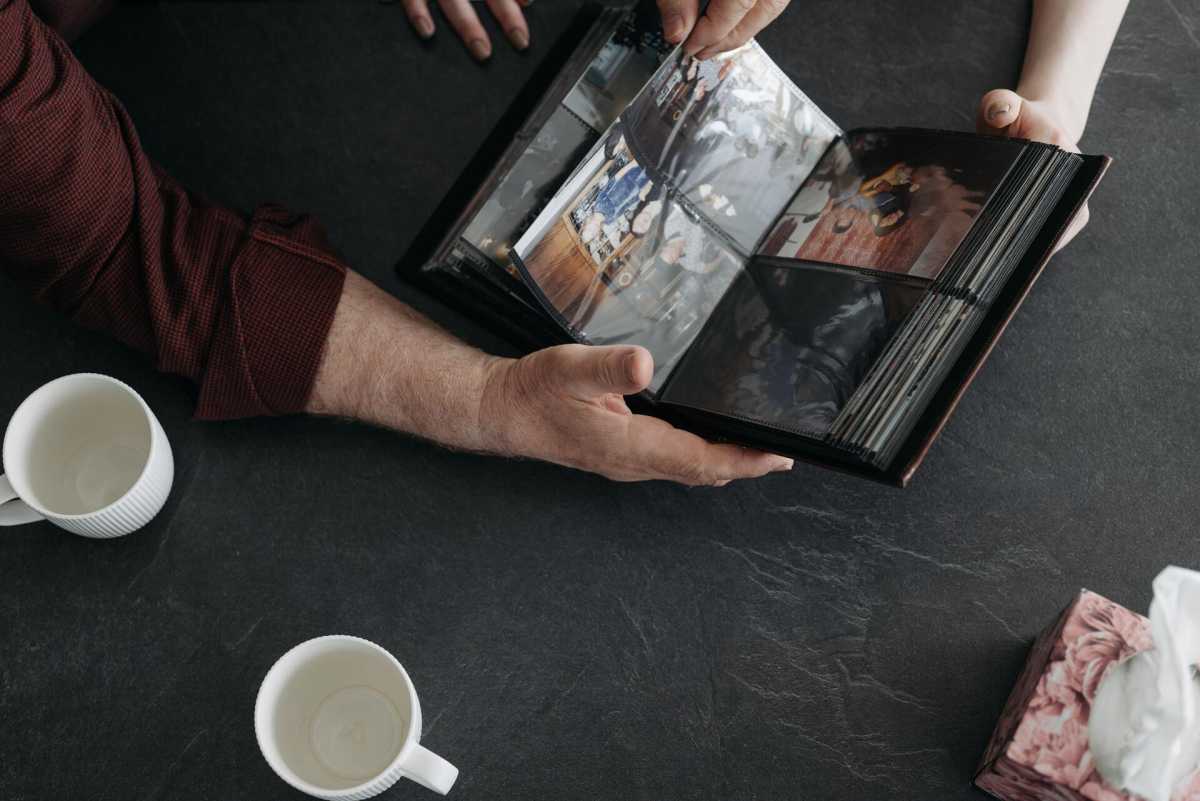
Ina-Maria Jansson wants to make a case for physical or analogue archiving of the most important photos and documents.
We humans are often more primitive than we might like to admit. If something isn’t visible, it doesn’t exist! Because digital photos and videos don’t take up the same physical space and aren’t as easy to look at as a box of photo albums, they’re easily forgotten during a move or when clearing out an estate.
Creating physical copies of photos and other items you really cherish makes them both more durable – as long as you look after them properly! – and easier for your loved ones to preserve and appreciate.
For those who want peace of mind, I’d advise against storing things digitally unless you’re certain that a surviving relative will want to continue managing the digital collection. Instead, select paper copies of your best photographs and place them in acid-free paper sleeves along with details.
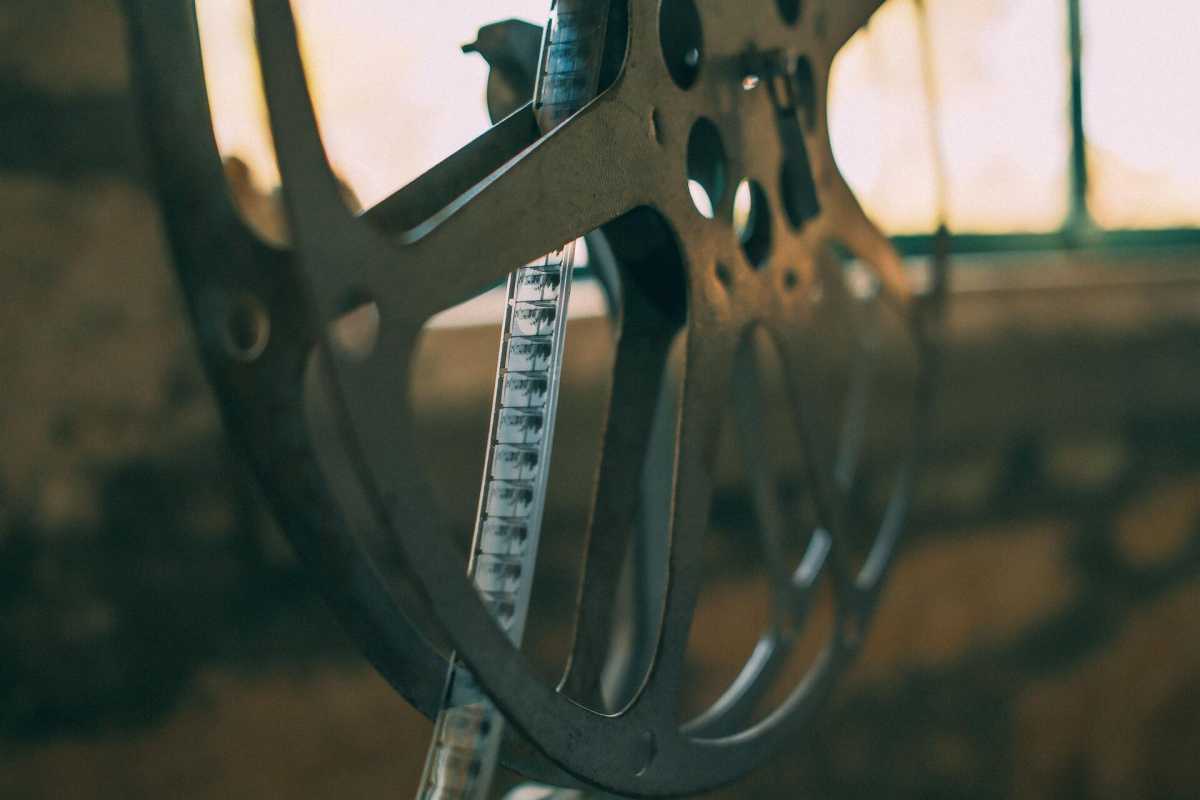
Ina-Maria Jansson acknowledges that video is trickier than photographs. But if you have some truly cherished films that you think your descendants might actually enjoy, there is a way to preserve them in analogue format, too.
You can turn to a company that can transfer the digital films to analogue 16-millimeter film. Many of us may have spent a great deal of money digitizing older films, so it might seem strange that I’m suggesting the opposite, but you’ll understand the point better if you think in terms of a working copy and an archive copy.
In that case, the digital file can serve as a working copy, while the analogue film takes on the role of an archive copy. Under optimal conditions – kept cool, preferably frozen in a metal container – analogue film has a lifespan of up to 500 years! Compare that to a hard drive, which might last for 10 years.
Of course, many people have far too many photos to be able to print them all out. Even if you weed out all the dull ones, you can still benefit from a certain degree of analogue archiving.
Even if the files themselves are stored on your computer, you can create a folder, a keepsake box, or a notebook where you can collect prints and information about your digital legacy.
When I ask Ina-Maria Jansson whether there is any technology that makes it possible to copy important files once and then leave them untouched for many years without risking their loss, the short answer is: no.
Sooner or later, some sort of action will need to be taken. You can choose storage media with the longest possible lifespan, but sooner or later they’ll need to be reviewed. Files on a standard home computer with a hard drive may last a few years, but they’re also exposed to both physical threats such as a house fire and digital threats such as viruses and bit rot. They’re also susceptible to other issues such as the file format becoming unreadable.
Technologies are currently under development that make it possible to store data for thousands or even millions of years, in extreme environments. A couple of years ago, researchers at the University of Southampton demonstrated five-dimensional memory crystals in which data is stored using extremely fast laser beams inside quartz crystals. The largest prototype can store 360 TB with an estimated lifespan of several billion years, and the researchers have, among other things, stored a human’s complete DNA code in a mountain cavern in Austria called Memory of Mankind.
For consumers, media can last for several decades if stored correctly. The problem is that it’s impossible to know when they’ll start deteriorating. That’s why it’s important to go through and check everything that’s still working and can be read, so that any incipient faults can be detected while the files are still in a position to be recovered.
For most private individuals, Ina-Maria Jansson says that cloud storage is the best option.
You don’t need to worry about having lots of backups stored in different places, as long as you make sure that your accounts and login details are properly documented. It’s also a good idea to make sure any fees for the cloud service continue to be paid even if the account holder passes away suddenly. Inform your next of kin that the account exists and make it easy for them to find your login details and documentation.
As Ina-Maria Jansson mentions, files stored on physical storage media in your home can be lost in many ways. Hard drives, SSDs, and Blu-Ray discs can be lost in a fire or flood. If the files are stored on a hard drive or SSD connected to a computer, they may be lost due to malware (like ransomware) or accidentally overwritten. The files may also become corrupted over time, a phenomenon known as bit rot.
If you’ve worked with old data, then you’ve probably experienced this phenomenon. Files that are a few years old can suddenly become corrupted or impossible to open, even though everything appears to be working correctly. Sometimes, it’s possible to repair them, but not always. This could be due to natural wear and tear on the storage medium itself or digital circuits losing their power. Sometimes, it’s caused by read and write errors in the software. It’s also a risk that arises when files are copied or moved and the entire file isn’t transferred.
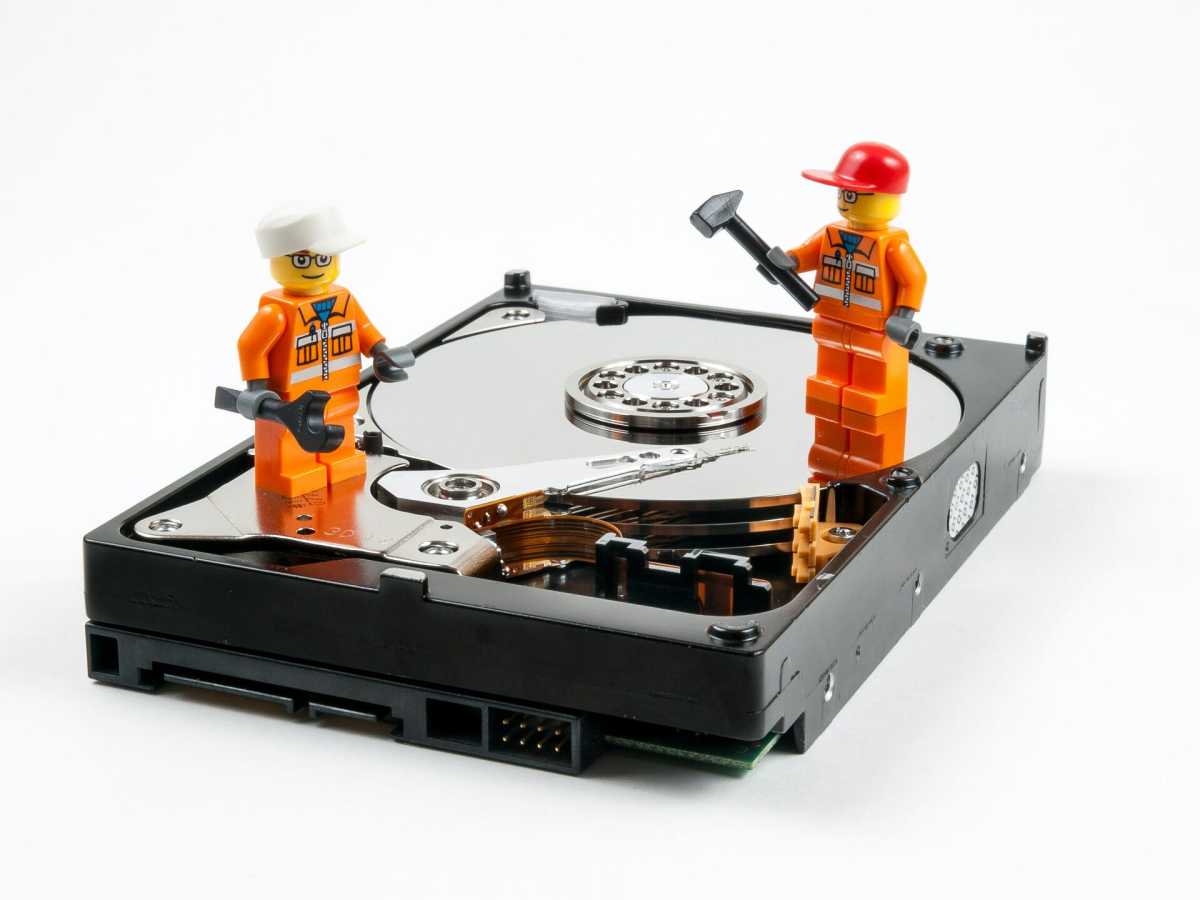
She says there’s software that actively combats bit rot by periodically scanning all files and using checksums to verify that no files have been altered. It only takes a single 1 or 0 to be changed for the checksums to fail to match, at which point the system can repair the file in question. This is called scrubbing and is a feature of, among others, the ZFS file system, which you can use on NAS devices, for example.
Other threats to be aware of include software updates required to open the files and ensuring you have digital playback equipment compatible with your storage medium. A lot can happen in a decade, and your files are meant to last considerably longer than that, aren’t they?
When it comes to long-term storage, Ina-Maria Jansson says that researchers usually distinguish between archive formats and everyday formats. The latter are formats that are practical to use in day-to-day life and to share with family and friends. Archive formats, on the other hand, are chosen because they are most likely to remain usable many years from now. They are open formats such as PDF, TIFF, and PNG.
When it comes to video, things are once again a little more complicated. The National Archives recommends Matroska files (.mkv) with video in FFV1 format and audio in LPCM format for long-term preservation. However, uncompressed high-definition video takes up an incredible amount of space, so the vast majority of people have to make do with a compressed format.
The most common compressed format today is H.264, but it’s not entirely open. A modern alternative is AV1, which is both open and free from royalties and other restrictions, so it’s highly likely that software capable of playing such files will be available in the future.
But, as I said, as long as we haven’t sorted out a long-term digital preservation solution that can be passed to future generations, the file format doesn’t really matter that much.


